


Study · iPhone
Knowli
Your notes. Instant flashcards.
Point your camera at any notes or import a PDF, and get exam-ready flashcards in seconds.
A look inside
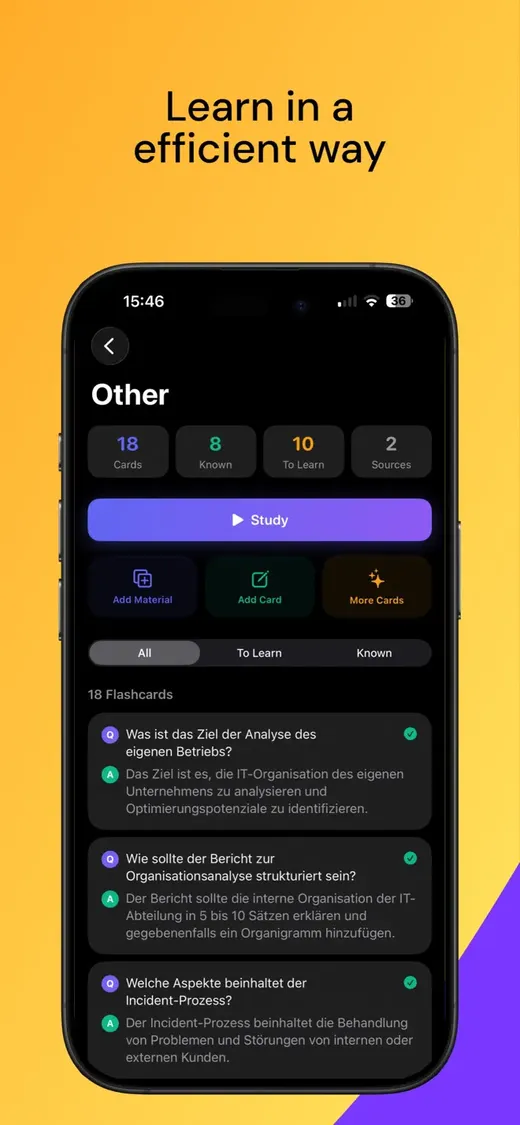
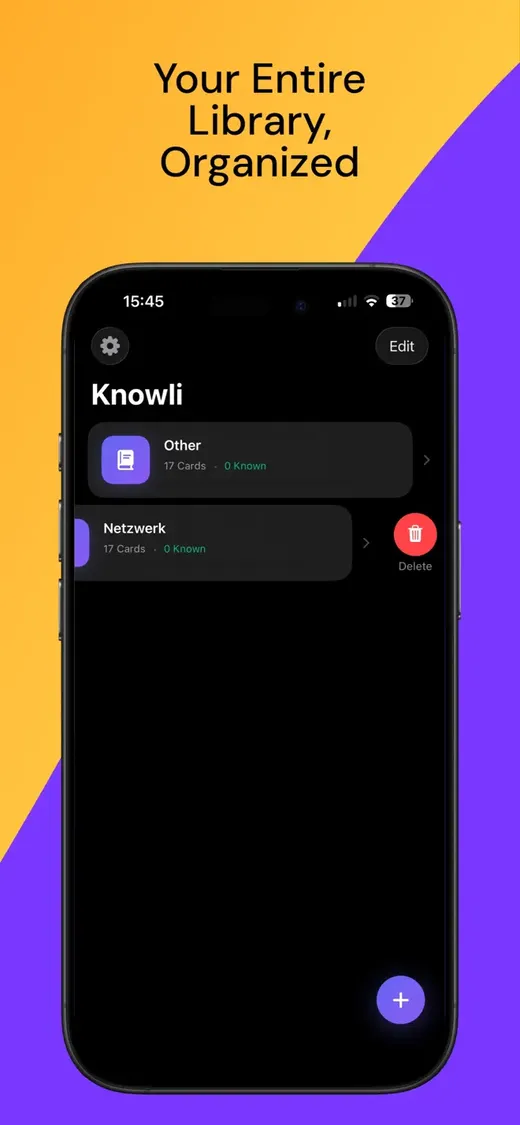
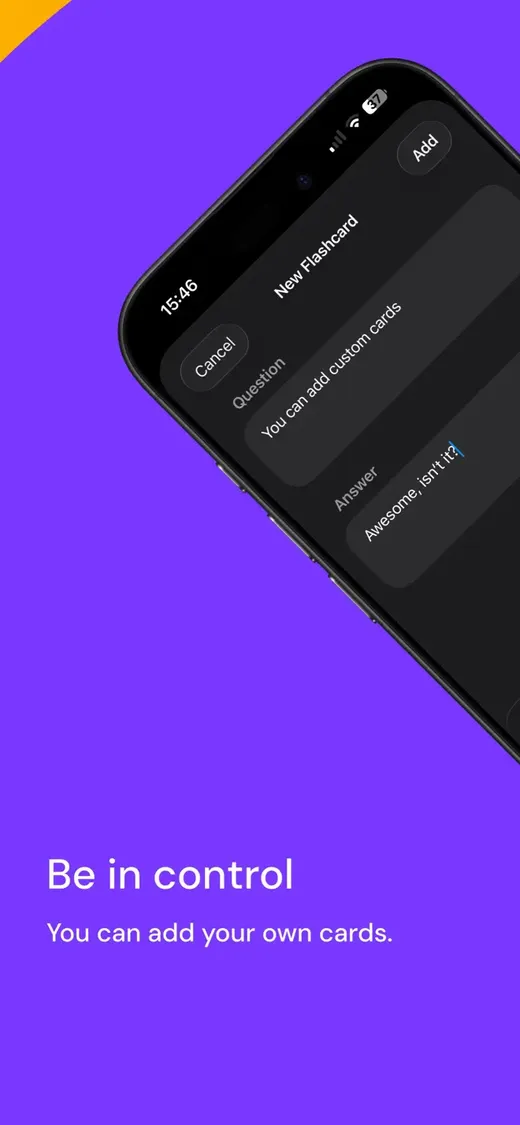
Three steps to smarter studying.
No manual typing. No copy-paste. Just point, process, and study.
- 1
Add your material
Take a photo of handwritten or printed notes, select multiple images from your library, or import a PDF. Knowli handles up to 20 images or 8 PDF pages in one go.
- 2
AI generates flashcards
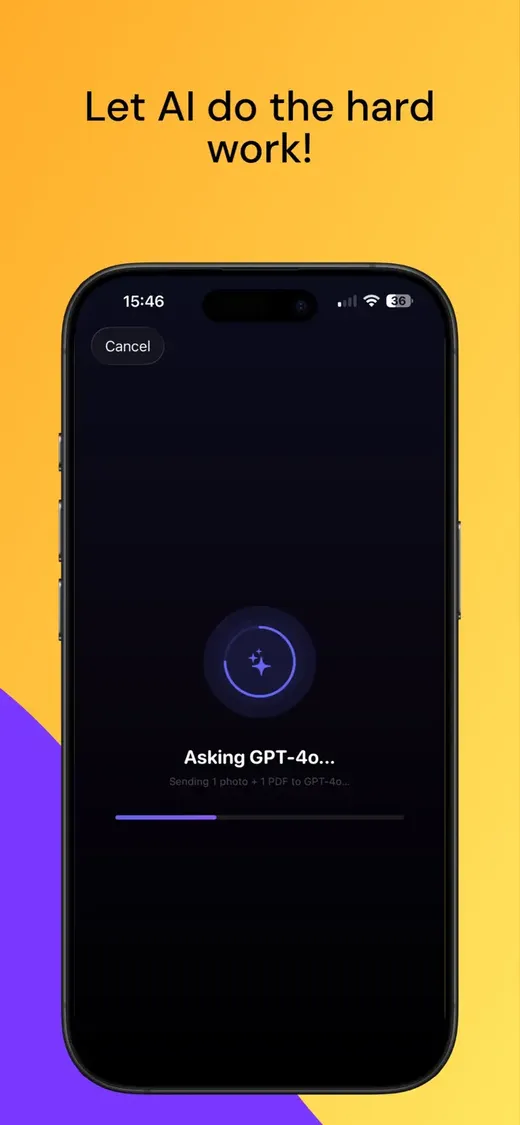
GPT-4o Vision reads your content and writes exam-quality questions and answers in the language of your notes.
- 3
Study and track progress
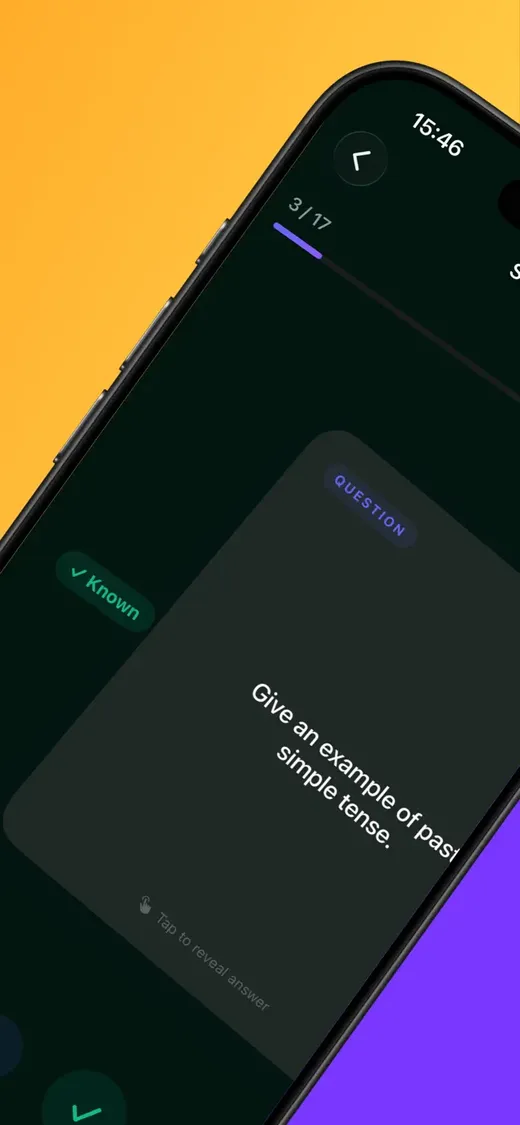
Swipe right when you know a card, left when you don't. Your progress is tracked live.
Built for real studying.
Your study sets stay on your device after generation. AI processing uses OpenAI, so source material leaves the device only when you ask Knowli to generate cards.
- GPT-4o Vision reads handwriting, diagrams and PDFs
- Auto-detects content language
- Multi-image & multi-PDF support
- Swipe-to-study with progress tracking
- Add cards manually or generate more
- Filter by "Known" or "To Learn"
- Fully offline after generation
- Works on iPhone and Mac
Clear AI boundaries.
External AI processing
When you generate flashcards, your selected images or PDF pages are sent to OpenAI for processing. We cannot control OpenAI's systems or policies.
On-device storage
Generated study sets and flashcards are stored locally using Core Data. We do not store your notes or flashcards on a benavo server.
No analytics, no ads
Knowli has no ads or behavioral tracking. The AI request is there because flashcard generation has real third-party costs.
- Unlimited study sets
- Unlimited source files per set
- All future features included
The free version includes 1 study set and 2 sources. Pro removes app limits with a single one-time payment.